> ## Documentation Index
> Fetch the complete documentation index at: https://codeplugtech.mintlify.site/llms.txt
> Use this file to discover all available pages before exploring further.
# How to Upload Your First Document
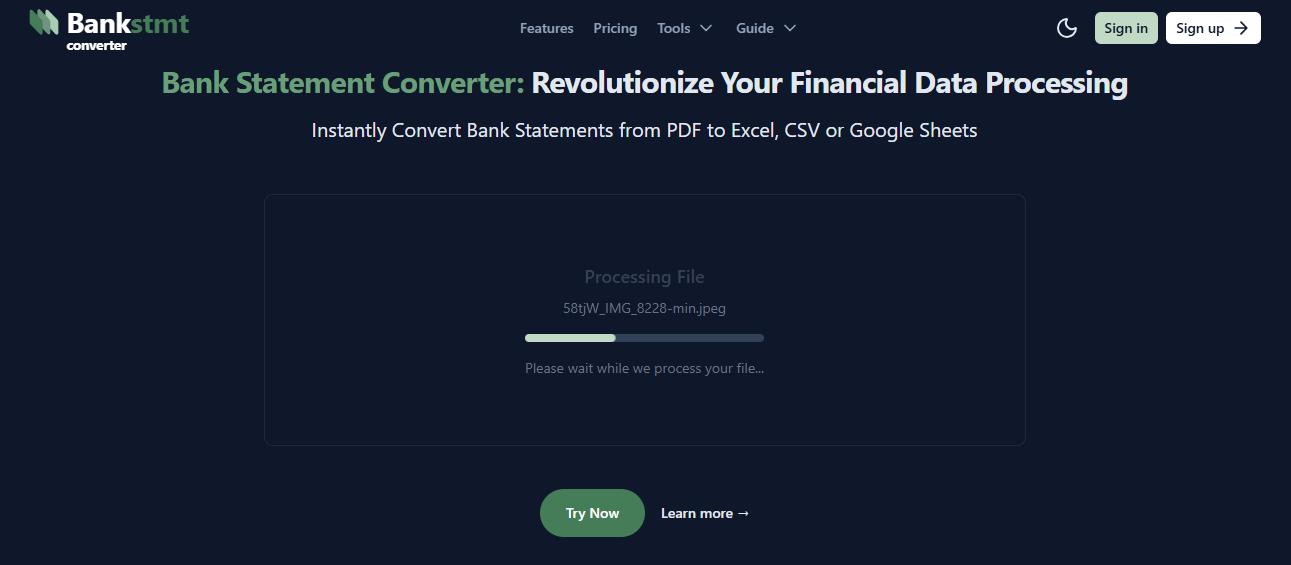
Use the **demo upload** option to try the app as a guest user. It's fast, safe, and perfect for testing.
* **Drag & Drop** your files or click **Browse** to select from your device.
* **Supported formats:** **PDF, JPG, JPEG, PNG** (Max size: **1 MB**).
* **Conversion behavior:** converts **one PDF page** or **a single image** per upload.
Uploading your first document is simple and fast. Follow these steps:
1. [Log in](https://bankstmtconverter.com/login) to your **BankStmtConverter** account.
2. Go to the **home**.
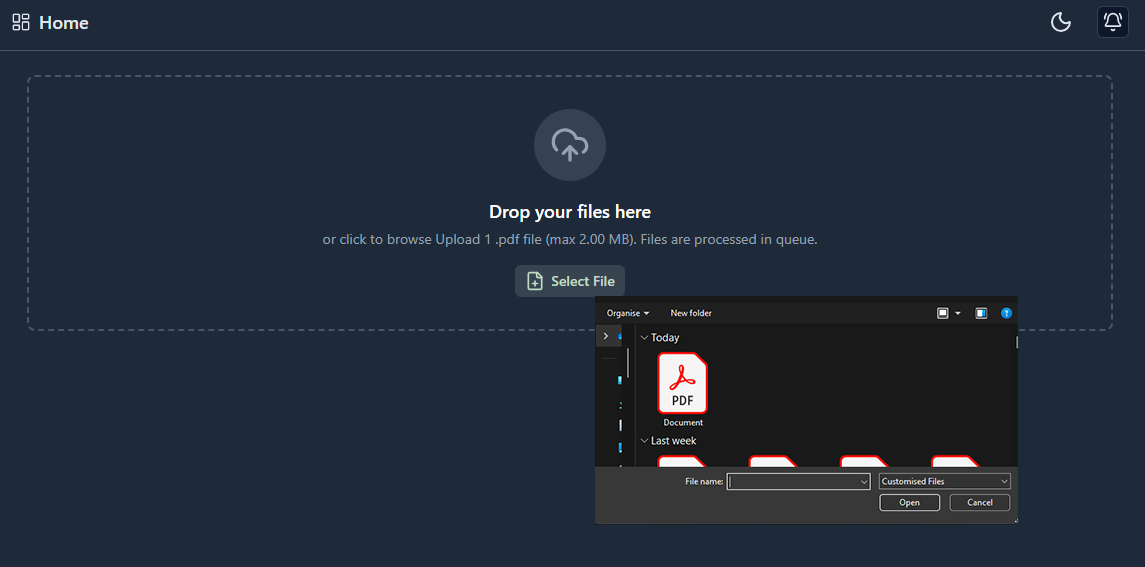
3. Click the **Select Files** button.
4. Select your bank statement **file from your device**.
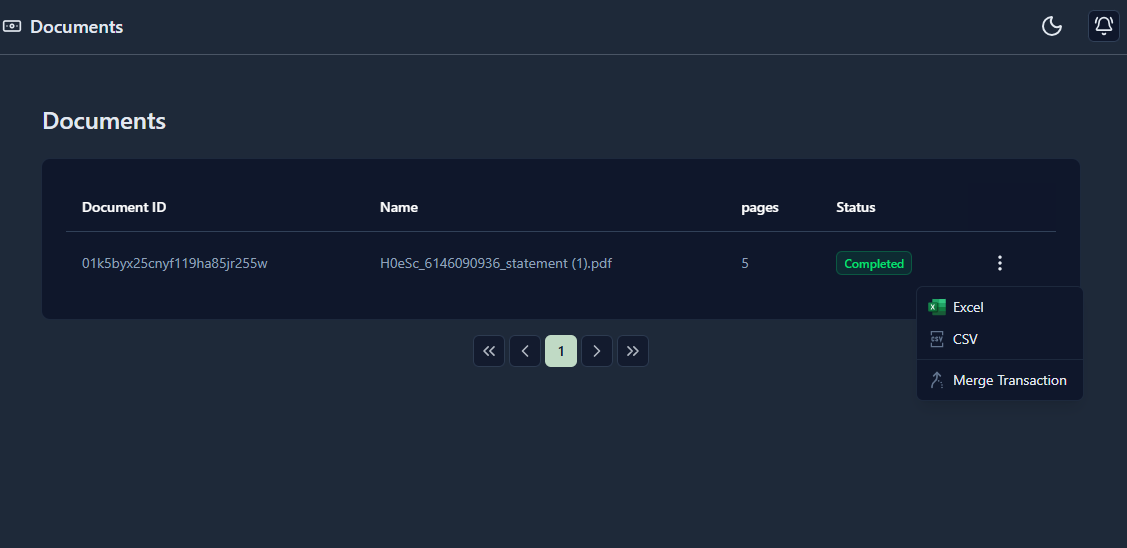
5. Go to **Statements** and download your bank statement in your preferred **Output Formats**
**Tips:**
* Ensure your document is clear and legible for accurate data extraction.
* Multi-page PDFs are fully supported.
* You can enable notifications to be alerted once the conversion is complete.
* Supported file formats: **.pdf, .bmp, .jpeg, .x-png, .png**
> Congratulations! You have successfully uploaded and converted your first document.
## Reference
> Follow the screenshots and video for a step-by-step guide.
1. Demo upload
 2. Click the **Select Files** button and choose your bank statement **file from your device**.
 3. Go to **Statements** and download your bank statement in your preferred **Output Formats**.