
About and updates#
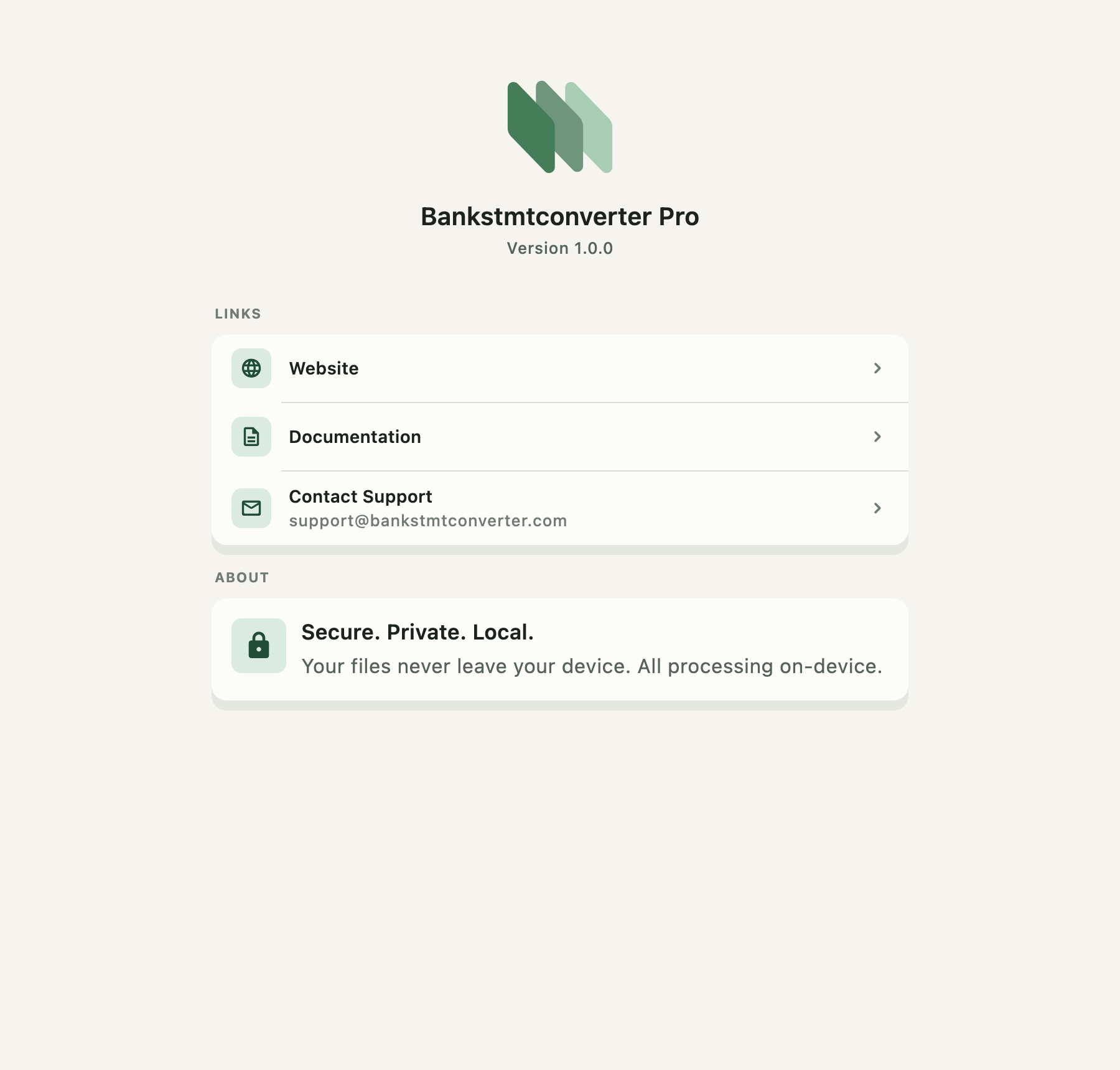
Version and updates#
The version is under the app name. On desktop builds that can update themselves, Check for updates sits below it.
The app also checks on its own — once at launch and once a day after that. Those checks are silent: a routine "you are up to date" never interrupts anything, and a license-server hiccup stays out of the way. A check you started reports every outcome, because pressing a button and seeing nothing is indistinguishable from a broken button.
When an update is available, a dialog names the version and shows the release notes. Update Now downloads it with a progress bar; Later dismisses it until the next check.
- macOS — the signed disk image opens when the download finishes. Replace BankStmt in Applications to finish updating.
- Windows — the installer runs and the app closes so it can be replaced.
When update coverage ends#
A license includes a year of updates. Afterwards a dialog explains that the app you have keeps working and offers a new license for another year of updates. Keep Current Version dismisses it.
Links and support#
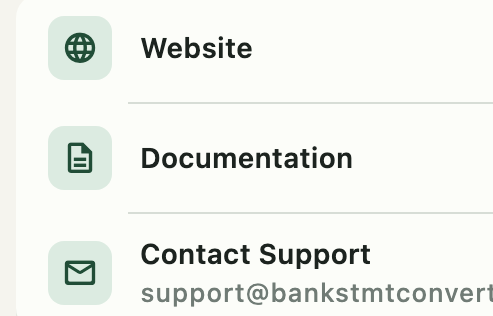
| Link | Goes to |
|---|---|
| Website | bankstmtconverter.com |
| Documentation | doc.bankstmtconverter.com |
| Contact support | Opens a mail message to support@bankstmtconverter.com |
What to include in a support message#
- The app version, from this page.
- The operating system and version.
- The file format (PDF, JPG, PNG) and roughly what the layout looks like.
- The exact error message, copied rather than paraphrased.
- What you expected instead.
Redact first. Before sending a statement or a screenshot, remove account numbers, names, addresses, and transaction detail. A page with the amounts blacked out is usually enough to diagnose a layout problem.
Statements never leave the computer#
The note at the bottom of the page explains the privacy promise: conversion happens entirely on your computer. No statement page, image, or transaction is uploaded.
The app makes exactly one kind of network request — licensing and update checks. Those carry a machine identifier and your license or trial credentials. They do not carry statement data.