
License and trial#
Conversion requires an active trial or a valid license. The app checks at launch, again every thirty minutes, and again before each conversion; a failed check moves you here.
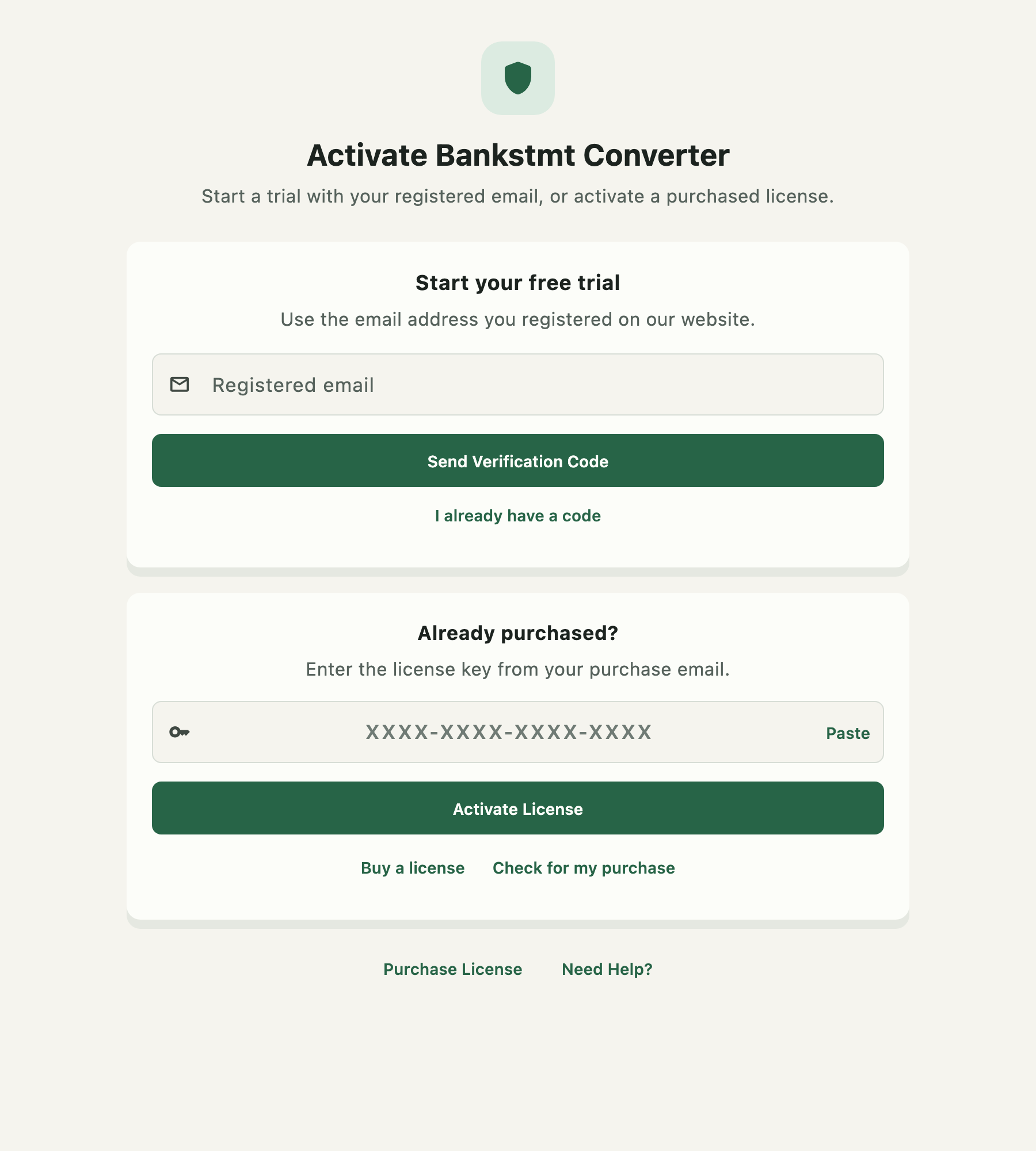
While a trial is running, a countdown chip sits in the top bar on every screen. It reads Trial · 5 days 19 hours left, and clicking it comes here.
Starting a trial#
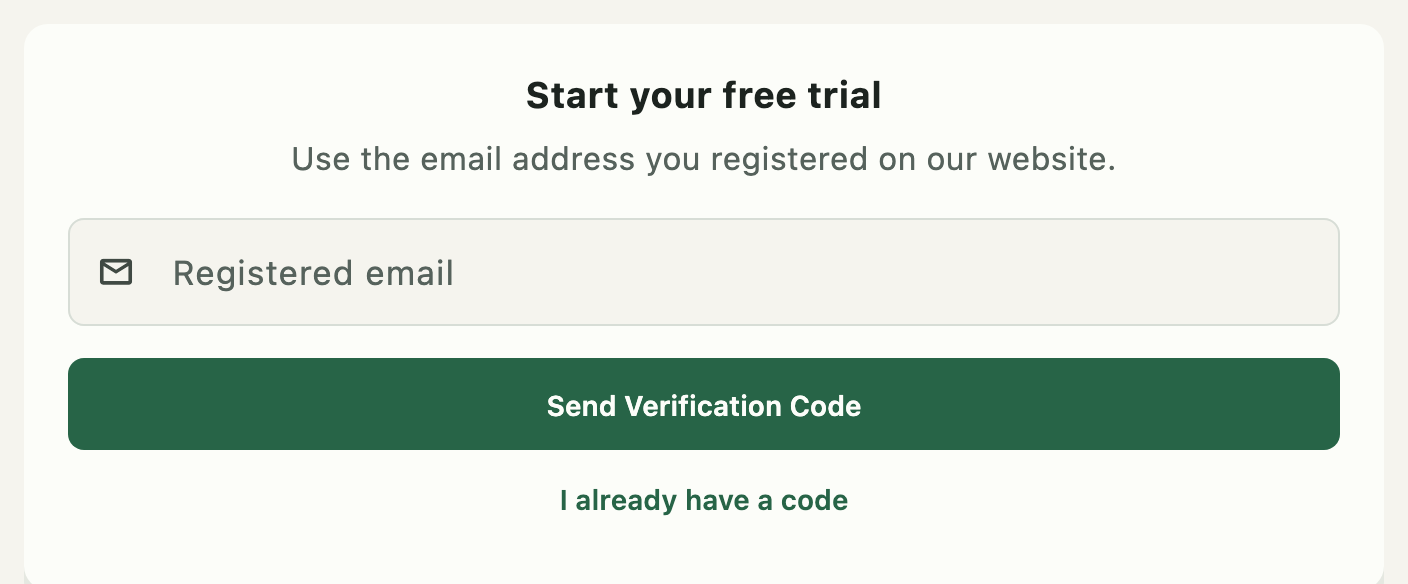
The trial is tied to an email address you registered on the website, and confirmed by a code sent to it — so a trial cannot be started on someone else's behalf.
- Enter the registered email.
- Press Send Verification Code. A six-digit code is emailed to that address.
- Enter the code and press Activate Trial.
Resend code requests another once the cooldown has elapsed; the button shows the remaining seconds until then. I already have a code skips straight to the code field without sending a new one — use it if the first email has already arrived.
The trial activates on this computer.
Activating a purchased license#
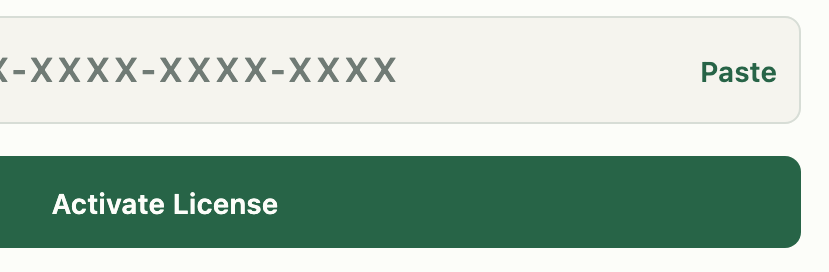
Enter the key in XXXX-XXXX-XXXX-XXXX form. The field normalises as you type: letters are
uppercased, hyphens are inserted every four characters, and anything else is discarded, so a key
pasted in any format ends up correct.
Paste reads a key from the clipboard.
Activate License validates the key and activates it on this computer.
Buying, and recovering a purchase#
Buy a license opens the purchase page in your browser.
Check for my purchase recovers a key you have already bought. Checkout is by email rather than an account, so the app can fetch the key itself. It is code-gated the same way the trial is: a code goes to the address used at checkout first, so entering someone else's email cannot claim their license.
Once a license is active#
The page shows the license details in place of the two cards, along with Deactivate License on this Mac. Deactivation releases this computer's activation — the step to take before moving the license to a different machine.
Keeping your license private#
A license key and a verification code both authorise use on a computer. Do not post them in support threads, screenshots, or shared documents. If you send a screenshot of this page, cover the key first.
When conversion is blocked#
The app moves you here rather than failing quietly. Common causes:
- The trial expired. Buy a license, or use Check for my purchase if you already have.
- The key was typed wrong. Use Paste rather than retyping.
- The activation is on another computer. Deactivate it there first.
- The license server could not be reached. Extraction itself is offline, but licensing is not; check the network and try again.